21 days free. No card needed.
Plan shifts of any length, at any time of day or night, on a rota your whole team can see. Early, late, night and overnight shifts all work the same way.
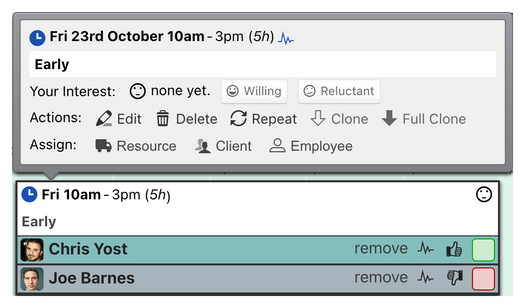
Each shift can also have:
While you are still planning, shifts can stay as drafts. Confirm them when they are final. Draft shifts look different on the rota, and you choose whether staff can see them yet.
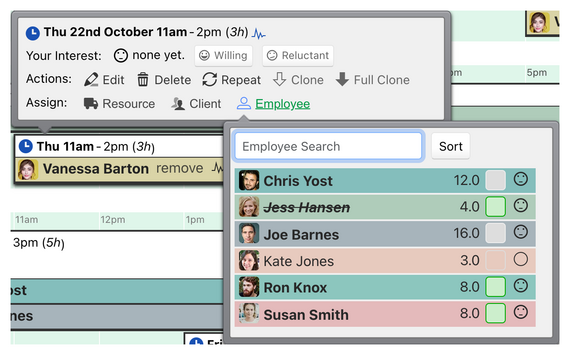
Drag a shift onto another day to copy it, with or without its staff. You can copy a whole day of shifts in the same way, or a whole week from the month view.
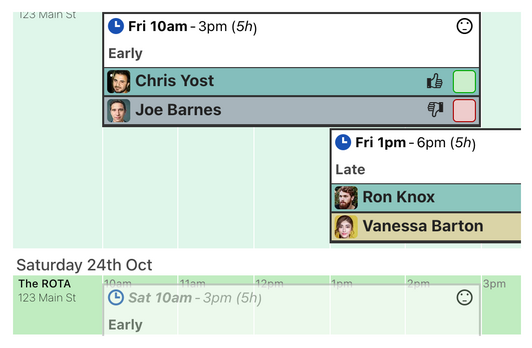
Copying suits rotas that change from week to week. For shifts that follow a regular pattern, repeating shifts fill future weeks for you.
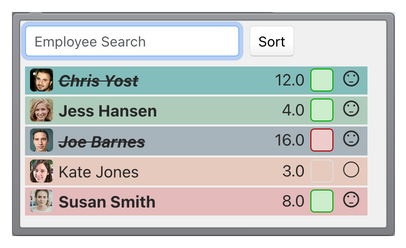
If someone is already working at the same time, the assignment menu shows the clash. You choose whether double assignments are allowed, shown as a warning, or blocked, separately for employees, clients and resources.
Rotaville can warn you about shifts with nobody assigned, so gaps are not missed.
With shift interest turned on, staff can mark open shifts they would be willing, or reluctant, to work, which helps you fill them.