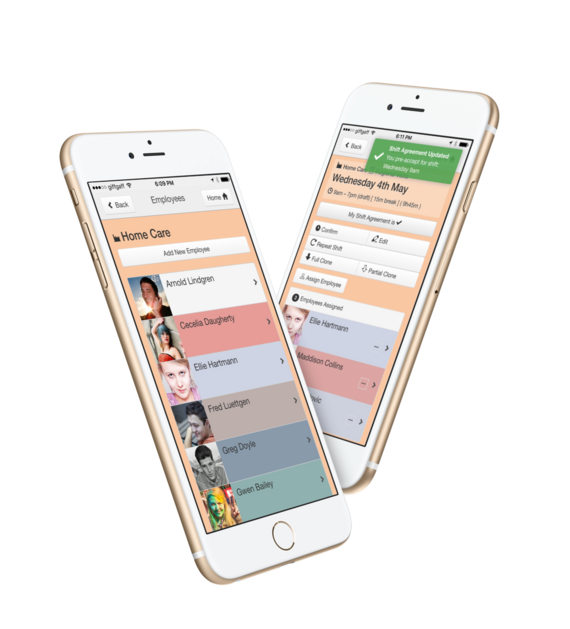
Home Care and Domiciliary Care Rota Software
Home care and domiciliary care providers plan dozens or hundreds of visits a day for many clients, with carers who are out on the road. Keeping track of who is going where, and changing it when a carer is ill or a client's needs change, takes up much of a manager's day.
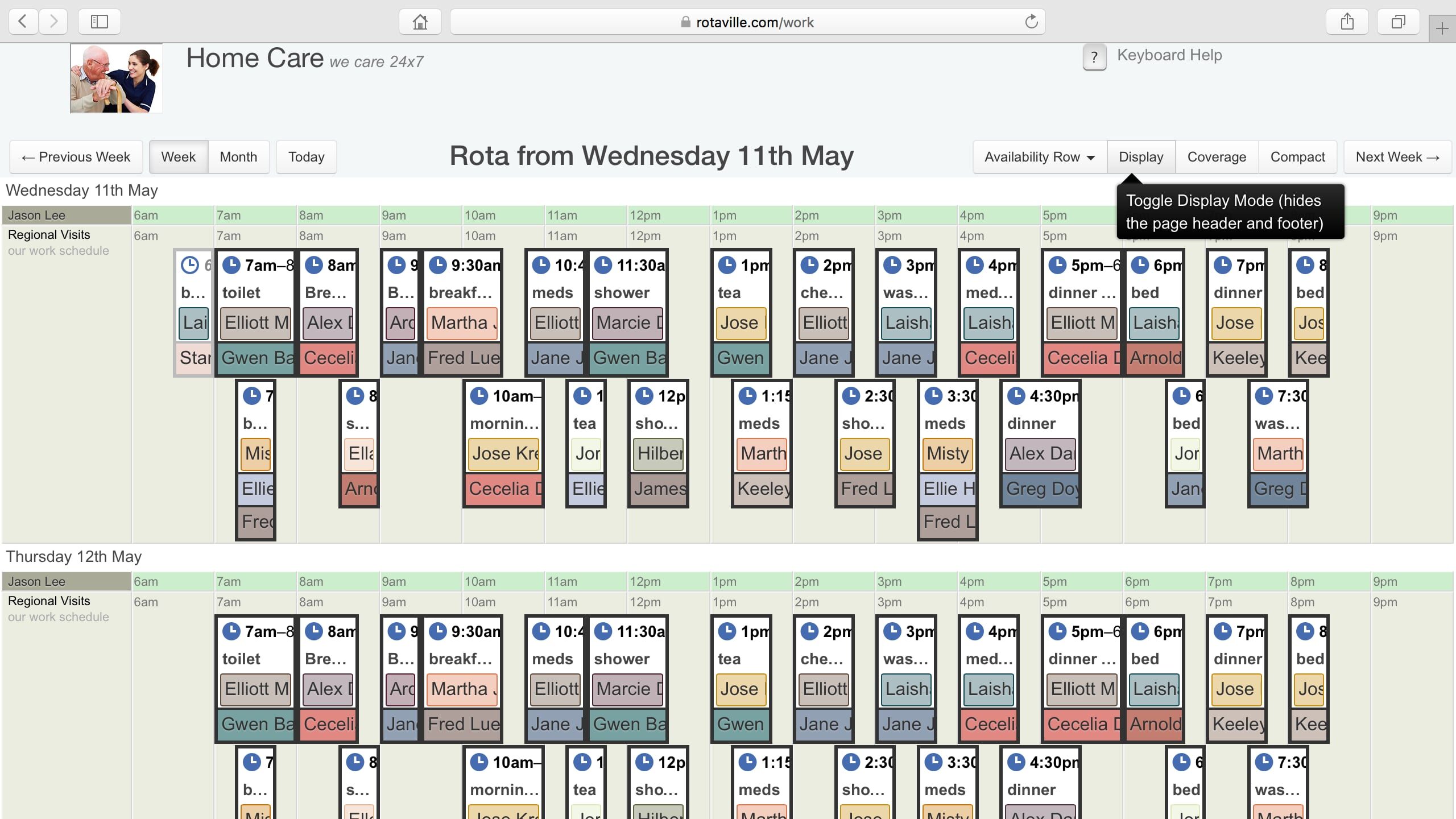
Rotaville shows every visit in time order on a calendar-style rota. You can see which carers are free and assign one to a client's visit with a single click.
How Rotaville helps home care providers
Home care providers use Rotaville to plan client visits, keep carers informed and check at a glance that every visit is covered.
QLS has been utilising Rotaville for over four years and found it to be the most effective product on the market to manage the level of staff this organisation has on duty at any given time. We would recommend to anyone who has complex roster requirements.

John Hart
Director
Quality Lifestyle Support
Built for the way home care works
Home care shift planning has its own demands. This is how Rotaville handles them.
Carers on the road
Clients and their visits

Visits of any length
A visit can last a few minutes, a full day or an overnight stay, and you can mix them freely on the same rota.
Regular visits
Clear to read
Visits are listed by client and time, with the assigned carer shown on each one. Gaps are easy to spot, as is spare capacity for new visits.

A rota for each client
Clients who need several visits a day or care around the clock can have a dedicated rota, making it easy to ensure every visit is staffed.
Rotaville certainly makes my life a lot easier! Before Rotaville it was all pen 'n' paper, now it's all on screen. I would recommend it to anybody. Rotaville helped our business grow.

Julie Littleboy
Registered Manager
Welcome Independent Living
Several managers at once
Larger providers often have several managers planning different teams. Changes appear for everyone straight away, and the activity log shows who changed what.

From a few clients to hundreds
Rotaville works the same way for a handful of clients as for hundreds of clients, staff and managers. Plans are priced by the number of employees, so you only pay for your staff size.
Special requirements
If your service has scheduling needs that aren't covered here, contact us, and we'll tell you how Rotaville can handle them.
Messages to staff
I was so pleased to discover Rotaville, it works really well for both staff and managers. My rota changes around the needs of our service and I find Rotaville so adaptable.

Tracy Gallimore
Registered Manager
Cornerstone Trust
Common questions
Where do carers find a client's key safe code or access notes?
In the client's description, which carers who can see that client can read. Anything only managers should see goes in the client's notes.
Can two carers be booked on the same visit?
Yes. Assign both carers to the visit, along with the client.
What happens when a carer calls in sick?
Record their sick leave and assign another carer to their visits. The carer you assign is told about the change straight away.
Can carers see other clients' details?
Only if you allow it. Carers see the clients on their own visits, and client telephone numbers and email addresses stay hidden from them unless you change that in your workforce settings.
Will a carer be booked on two visits at once by mistake?
Rotaville can warn you, or block it, when you assign someone to two visits at the same time.
Example home care rotas
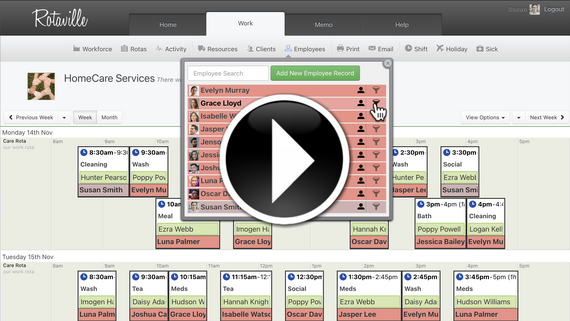
This short video shows some typical home care shift patterns in Rotaville.
Try Rotaville with your own clients and carers. The free trial lasts 21 days and requires no credit card. If you would like a demo or have questions first, contact us.
Start free trial 21 days free. No card needed.